方块不能拖到画布上
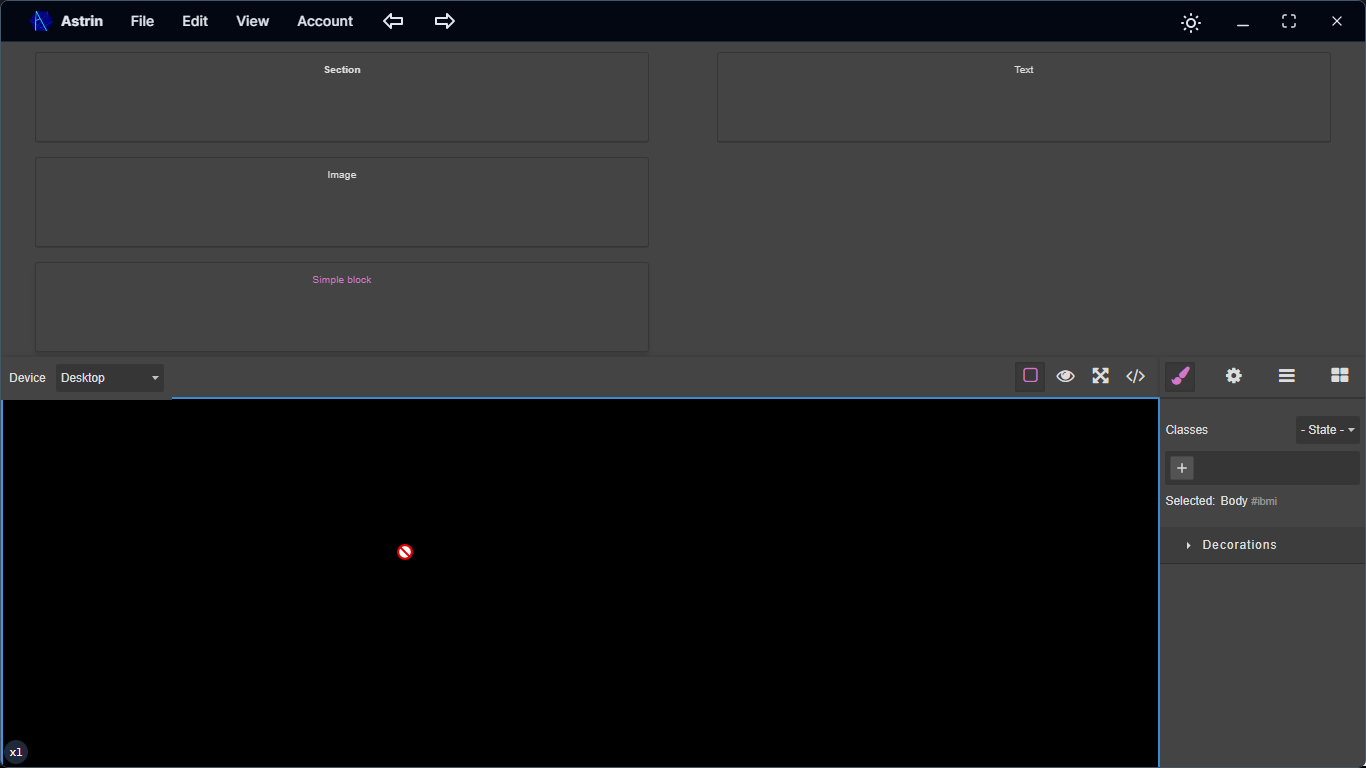
阅读下方完整回答 ↓问题
GrapesJS 版本 [X] 我确认使用最新版本 GrapesJS 你用的是什么浏览器? 陶瑞 可复制演示链接 描述一下那个虫子 如何复现这个漏洞?... 预期的行为是什么? ... 目前的行为是什么?** ... 如果需要执行某些代码以重现该漏洞,请将其粘贴到下面: 行为准则 [X] 我同意遵守本项目的行为准则
回答(4)

我刚发现是因为 WebView2。Webview2 的支持??!
我觉得这更多是因为Tauri配置的问题,而不是GrapesJS,因为我们用的是原生的HTML5拖放功能
在Next.js应用中的 GrapesJS 设置中,块无法拖拽到画布的问题,是由于 React useEffect 钩子和状态管理的常见时序问题。editor.BlockManager.add调用在 editor 状态变量尚未通过 GrapesJS 编辑器实例正确初始化之前执行。 根本原因 在你提供的代码中: 当你的Project组件首次渲染时,editor 是undefined。初始化GrapesJS的useEffect钩子是在初次渲染之后运行。在该useEffect中调用setEditor(e),异步更新editor状态。然而,editor.BlockManager.add行直接放置在组...
相关问答
通过相似的问题讨论继续研究。
问题 #4529
当我们用类“xyz”调整图片大小时,页面上同一类的所有元素也会被调整大小,因为编辑器会给这些类添加css。
GrapesJS 版本[X] 我确认使用最新版本 GrapesJS你用的是什么浏览器? 版本 104.0.5112.101(官方构建)(arm64)视频演示链接 https://d.pr/i/27EgH2描述一下那个虫子当我们调整带有“xyz”类的图片大小时,页面上所有同类元素...
问题 #3679
Device width is invalid by default
感谢#3673 我收到了一个新的bug反馈。 版本:。 0.17.22 你能重现演示中的bug吗?[ ] 是的[ ] 不 预期的行为是什么? 我希望默认宽度是移动设备的宽度,所以我设置了最小宽度优先级,但选择框默认显示的是移动宽度,页面宽度没有变化。我用的是editor.set...
问题 #6663
符号在逐步加载页面时会断裂(实例丢失__symbol链接)
这里有一段展示这个bug的视频: https://github.com/user-attachments/assets/0fdc76ed-cee5-4481-98b1-cbbf52572b31 GrapesJS版本 [x] 我确认使用最新版本的GrapesJS 你用的是什么浏览...
问题 #6549
Couldnt Resize image
GrapesJS版本 [x] 我确认使用最新版本的GrapesJS 你用的是什么浏览器? 铬 可复制演示链接 https://codepen.io/Harshsne/pen/YPXdgmj 描述一下那个虫子 如何复现这个漏洞? 上传图片 将其切换为移动视图 调整图像大小 ![图...
与此问题匹配的付费插件
根据问题关键词和标签相关性精选,助你更快交付。
正在加载付费插件推荐……
相关教程
关于同一主题的深入指南。
教程
Introducing Search on GJS.Market
GJS.Market now has one search across everything we publish — plugins, articles, community questions, guides, authors and services. Press ⌘K from any page.
教程
如何在2026年用 GrapesJS 构建AI驱动的页面构建器
我们构建GJSDocs的经验——从简单的AI文本生成到结构化、上下文感知的视觉编辑
教程
2026年构建一个SaaS页面构建器需要多少钱?
2026年构建一个SaaS页面构建器的成本是多少?探索实际的开发成本、时间表、功能,以及使用 GrapesJS 如何降低成本
浏览插件分类
直接跳转到市场上的插件分类页面。