Issue #647💬 AnsweredOpened December 15, 2017by HarshOB0 reactions

Custom traits value is not set in Code

快速解答by artf

@HarshOB show how you create the custom trait

Read full answer below ↓

Question

Hello,

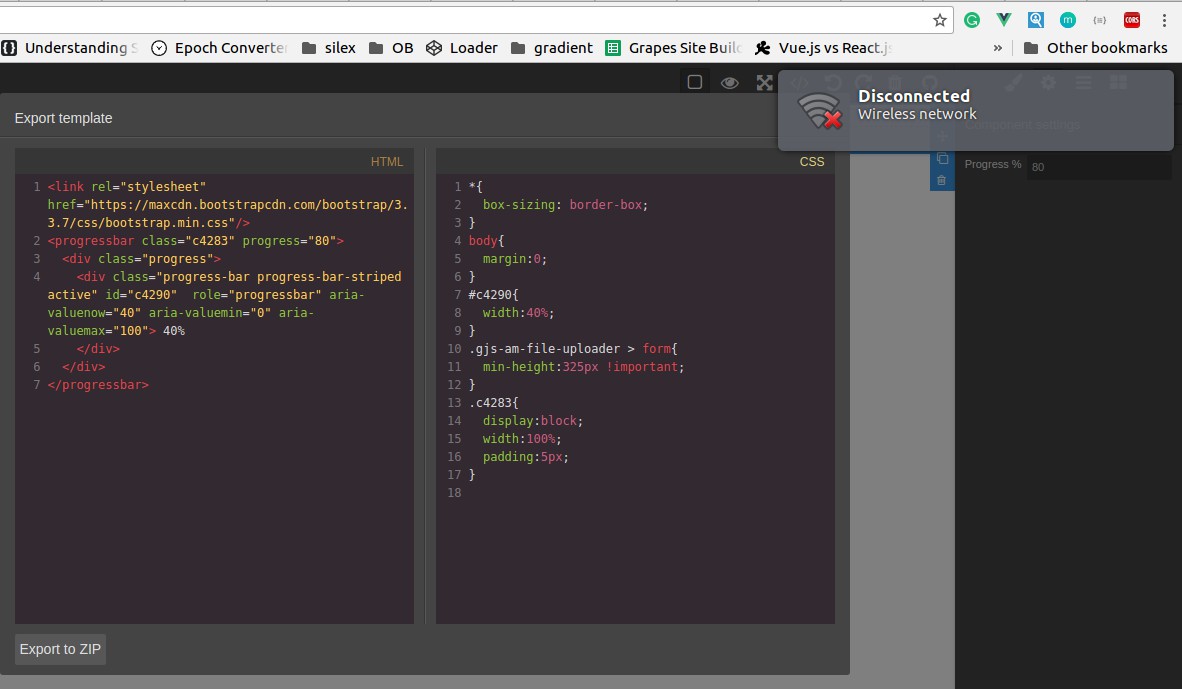
Here I used textbox trailt and whatever I write in input box I got the text in Code Viewer. As you can see progress= 80 screenshotfrom2017-12-1512-31-55_123

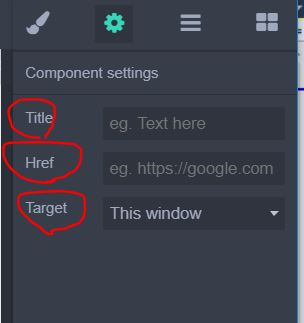
But when I create Custom traits and select value from dropdown then I didn't get any value in my Code(HTML).

screenshotfrom2017-12-1512-32-47_123

Answers (3)

artfDecember 19, 2017

@HarshOB show how you create the custom trait

HarshOBDecember 20, 2017

Here is the code:

editor.TraitManager.addType('customConent1', {
  getInputEl: function () {
    if (!this.inputEl) {
      var input = document.createElement('select');
      input.setAttribute("id", "Div1");
      input.setAttribute("name", "Div1");
      input.setAttribute("style", "background:#363636");
      $.each(partialOptions, function (key, value) { //partialOptions is an array
        var group = $('<optgroup label="' + key + '" />');
        $.each(value, function () {
            $('<option />').html(this.name).appendTo(group);
        });
        group.appendTo(input);
      });
      input.value = this.target.get('customConent1');
      this.inputEl = input;
    }
    return this.inputEl;
  },
});
artfDecember 20, 2017

@HarshOB try to see if the change actually triggers

editor.TraitManager.addType('customConent1', {
  	events:{
    	'change': 'onChange'
 	},

	onChange() {
		console.log('changed');
    	this.model.set('value', this.getInputEl().value);
 	},

  getInputEl: function () {
	...

Related Questions and Answers

Continue research with similar issue discussions.

Paid Plugins That Match This Issue

Curated by issue keywords and label relevance to help you ship faster.

View all plugins

Loading paid plugin recommendations...

Free option

Check the open-source GrapesJS plugins on GitHub or run a quick search in our free catalog.

Browse free plugins →
Premium option

Premium plugins ship with support, regular updates, and production-ready features — save days of integration work.

Browse premium plugins →

Related tutorials

In-depth guides on the same topic.

All tutorials →

Browse Plugin Categories

Jump directly to plugin category pages on the marketplace.