Block with content -> script after loading via storageManager
No community answers yet. Open the original discussion on GitHub to share your solution.
Question
I have a component and a block defined inside my plugin. The block relies on fetching some data via AJAX and then re-rendering itself.
content: {
type: "testComponent",
content: 'AJAX loading...',
script: function() {
// content is changed via $("#" + this.id)
}
}
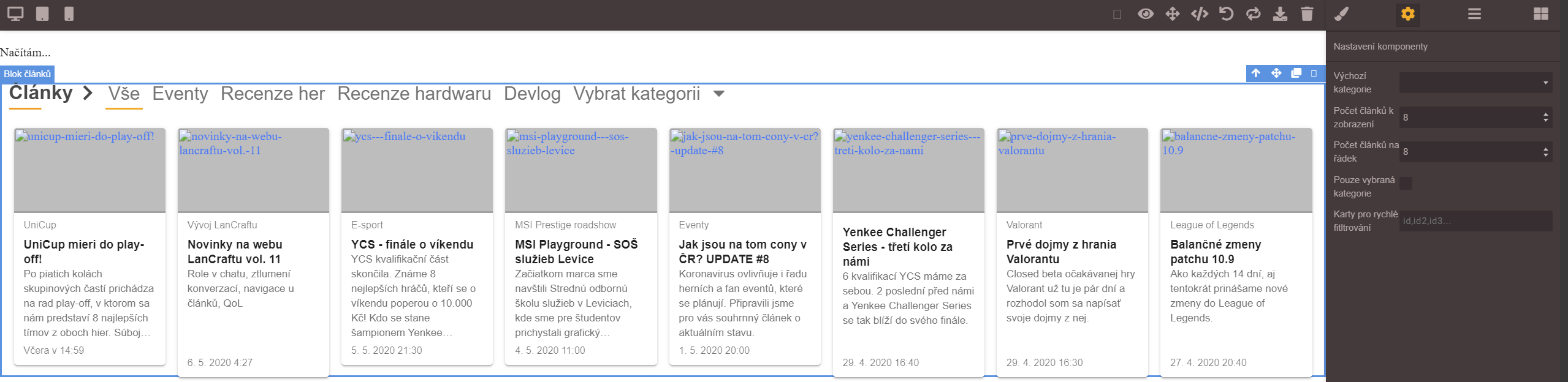
When I d&d block to the editor canvas all works nice. But once I load the stored data, script is not executed. It can be seen in the image that component type is saved and loaded correctly, hence the traits are there:

This is the same block, freshly dragged to the canvas -> it shows "AJAX loading..." at first and then JS in script is executed:

How could I execute the script of loaded components?
Answers (0)
No answers yet.
Related Questions and Answers
Continue research with similar issue discussions.
Issue #3579
RTE misplaced when opened right after dropping `activeOnRender` component
Version: 0.17.4 Are you able to reproduce the bug from the demo?[x] Yes[ ] No Steps to reproduce:Go to the demoDrop a "Text" block inside t...
Issue #1655
[Question] isComponent() is not invoked
I'm trying to make a plugin, but I have a problem with isComponent. My component does not call it whene the editor loading the code, this i...
Issue #906
[Question]How to change custom component content (html) from ajax?
Hi @artf, First of all thanks for this awesome plugin. Can you please let me know how i can update/change block content? I created custom b...
Issue #1272
[QUESTION] Using setComponent() ??
Creating a Plugin to use GrapesJS with Plone. GrapesJS Version: Latest When using the setComponent() function, we are scraping the HTML con...
Paid Plugins That Match This Issue
Curated by issue keywords and label relevance to help you ship faster.
Loading paid plugin recommendations...
Check the open-source GrapesJS plugins on GitHub or run a quick search in our free catalog.
Browse free plugins →Premium plugins ship with support, regular updates, and production-ready features — save days of integration work.
Browse premium plugins →Browse Plugin Categories
Jump directly to plugin category pages on the marketplace.