Issue #2070💬 AnsweredOpened June 7, 2019by adamwpe0 reactions

Stop the style manager from replacing AUTO with the pixel units

快速解答by adamwpe

One of my settings was incorrect during testing.

Read full answer below ↓

Question

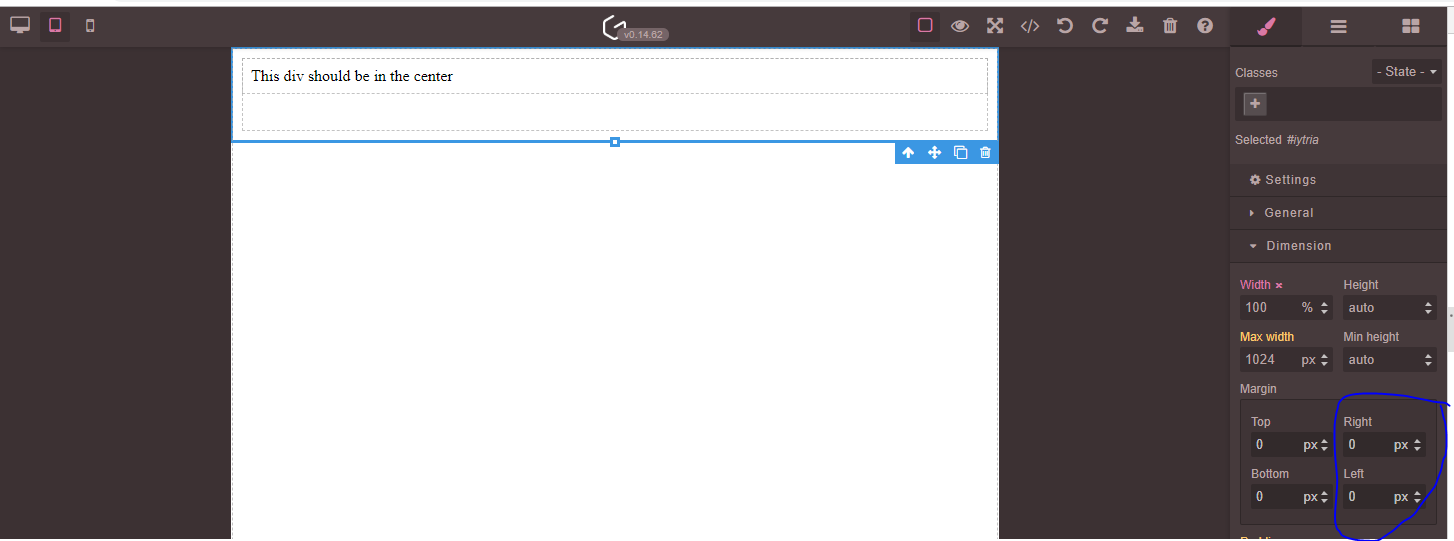
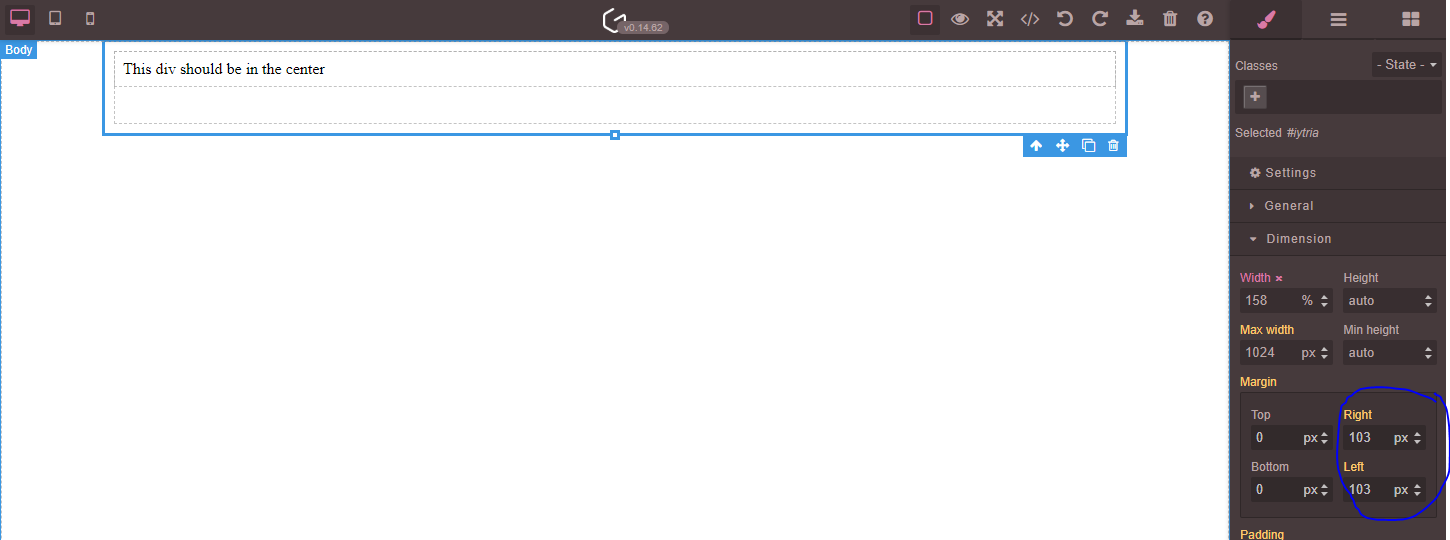
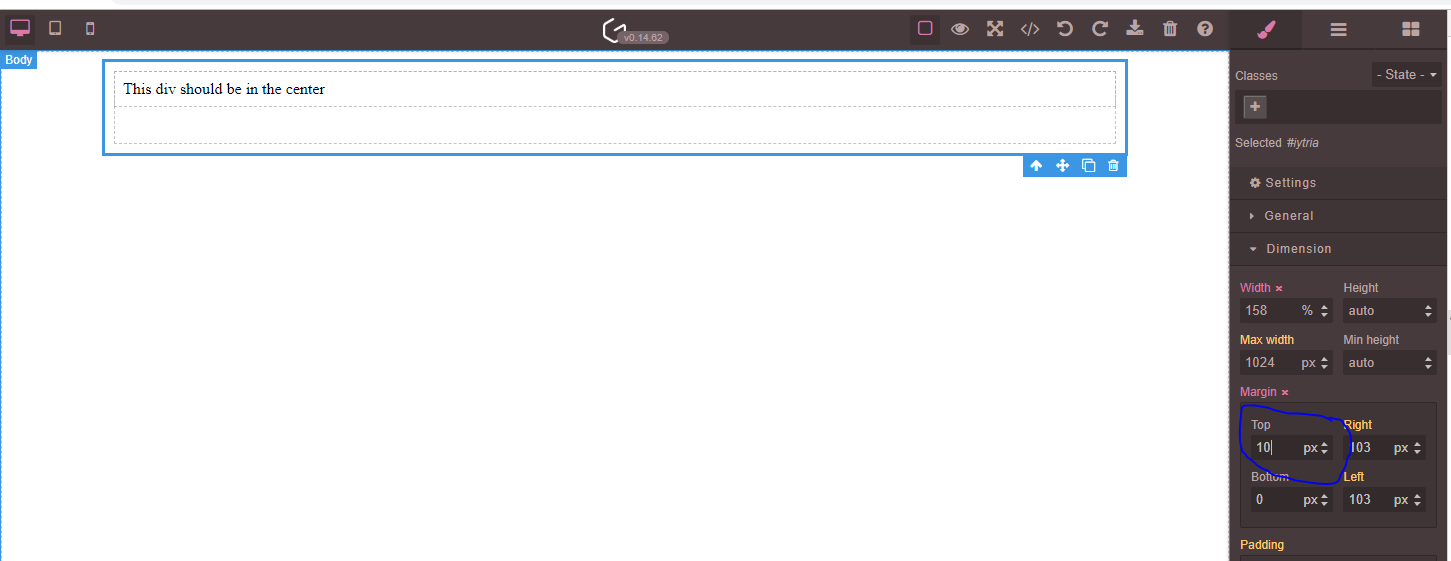
Not too sure how to explain it, but it appears that the style manager replaces 'AUTO' with the actual units. But if the user changes a value, e.g. margin-top. It saves the units, not the 'AUTO' value within the other fields that were not amended. Meaning the behavior of the div is unexpectedly different. e.g. no longer centered when the canvas is resized.

Example:

Before amending top-margin (centered on a small screen): image

Before amending top-margin (centered on a largescreen): image

Amending only the top-margin field: image

Resize the canvas (ideally, the right and left margin should still be set to AUTO: image

Is the expected behavior and is there anything I can do to prevent it?

Answers (3)

adamwpeJune 9, 2019

One of my settings was incorrect during testing.

danielwirzNovember 5, 2020

Hi @adamwpe

I have the exact same issue. What setting did you change to solve this?

Thanks & best regards

AnnaSuJanuary 27, 2021

@adamwpe

I have the same issue. How did you solve it?

Related Questions and Answers

Continue research with similar issue discussions.

Paid Plugins That Match This Issue

Curated by issue keywords and label relevance to help you ship faster.

View all plugins

Loading paid plugin recommendations...

Free option

Check the open-source GrapesJS plugins on GitHub or run a quick search in our free catalog.

Browse free plugins →
Premium option

Premium plugins ship with support, regular updates, and production-ready features — save days of integration work.

Browse premium plugins →

Browse Plugin Categories

Jump directly to plugin category pages on the marketplace.