无法通过 bootbox 或其他方式创建弹窗。
问题
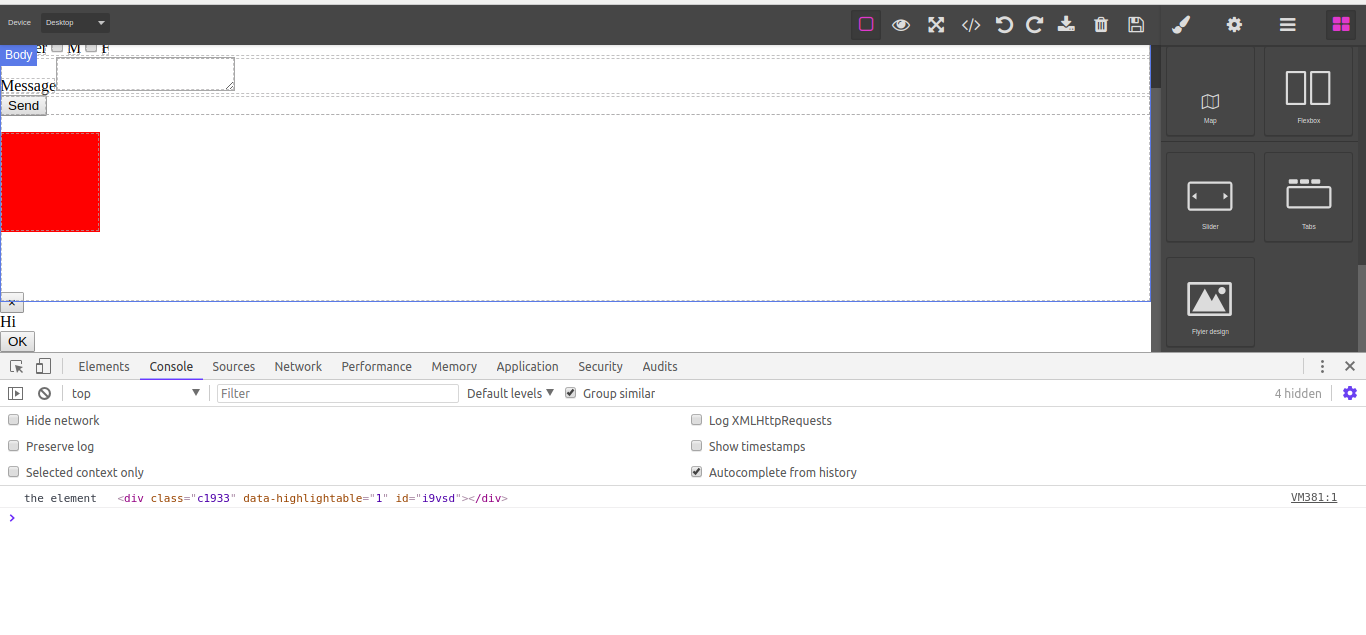
无法创建启动框弹窗。 以下是我的代码: var blockManager = 编辑器。BlockManager; blockManager.add('design', { 标签:“设计”, 内容:{ 脚本:“bootbox.alert('Hi');console.log(“元素”,即此)“, 脚本:函数 () { bootbox.alert({ 标题:“带有按钮和回调的自定义对话”, 消息:“<p>此对话框有按钮。每个按钮都有自己的回调功能。”</p> // }); // }, 加点样式让组件显眼 风格:{ 宽度:“100px”, 高度:'100px', “背景色”:“红色”, } }, 属性:{class: 'gjs-fonts gjs-f-image gjs-block gjs-one-bg gjs-four-color-h'}, }); 我还附上了init:- 画布:{ 脚本:['https://code.jquery.com/jquery-1.12.3.min.js', “https://maxcdn.bootstrapcdn.com/bootstrap/3.3.7/js/bootstrap.min.js”, DrupalBasePath + '/sites/all/modules/custom/landing_builder/bootboxjs/bootbox.min....
回答(3)
得到了我的答案—— 我用过“parent”关键词。 parent.bootbox.alert('Hi');
由于关闭后没有近期活动,该帖子已被自动锁定。请为相关漏洞开启新一期。
相关问答
通过相似的问题讨论继续研究。
问题 #792
脚本属性使用函数时无法与方块相处
在[Components & JS](https://github.com/artf/grapesjs/wiki/Components-&-JS)文档中有这个例子: 这个方法非常有效。但我不能用函数代替“script”中的字符串,正如所说,它支持的,比如这个例子: 什么都不会发...
问题 #1034
在父元素内部插入元素或块
你好,我有组件,有块 我在监听上设置了特性更改,如何在那个模块里添加“h1”,“'<div class=”container“ style=”min-height:10px;“></div>'”? 如何在该模型中添加标签 比如:
问题 #1611
脚本标签 create JSON 错误
嗨。我在Grapesjs里创建方块,需要用JS来实现悬停效果等。 每个方块的创建、存储、加载和样式都正常。 我在给我的方块添加<script></script>标签时遇到了一个问题。第一次拖动方块时工作正常,但当我存储并重新加载页面(也就是加载数据库里存储的内容)时,我就出现了...
问题 #960
未捕获的语法错误:输入意外结束
blockManager.add('design', { 标签:“设计”, 内容:{ 脚本:函数 () { $.Ajax({ 网址:家长。DrupalBasePath + '/api/v1/rnode_operations', 方法:“POST”, dataType: 'jso...
与此问题匹配的付费插件
根据问题关键词和标签相关性精选,助你更快交付。
正在加载付费插件推荐……
相关教程
关于同一主题的深入指南。
浏览插件分类
直接跳转到市场上的插件分类页面。