How to editable in innerHTML
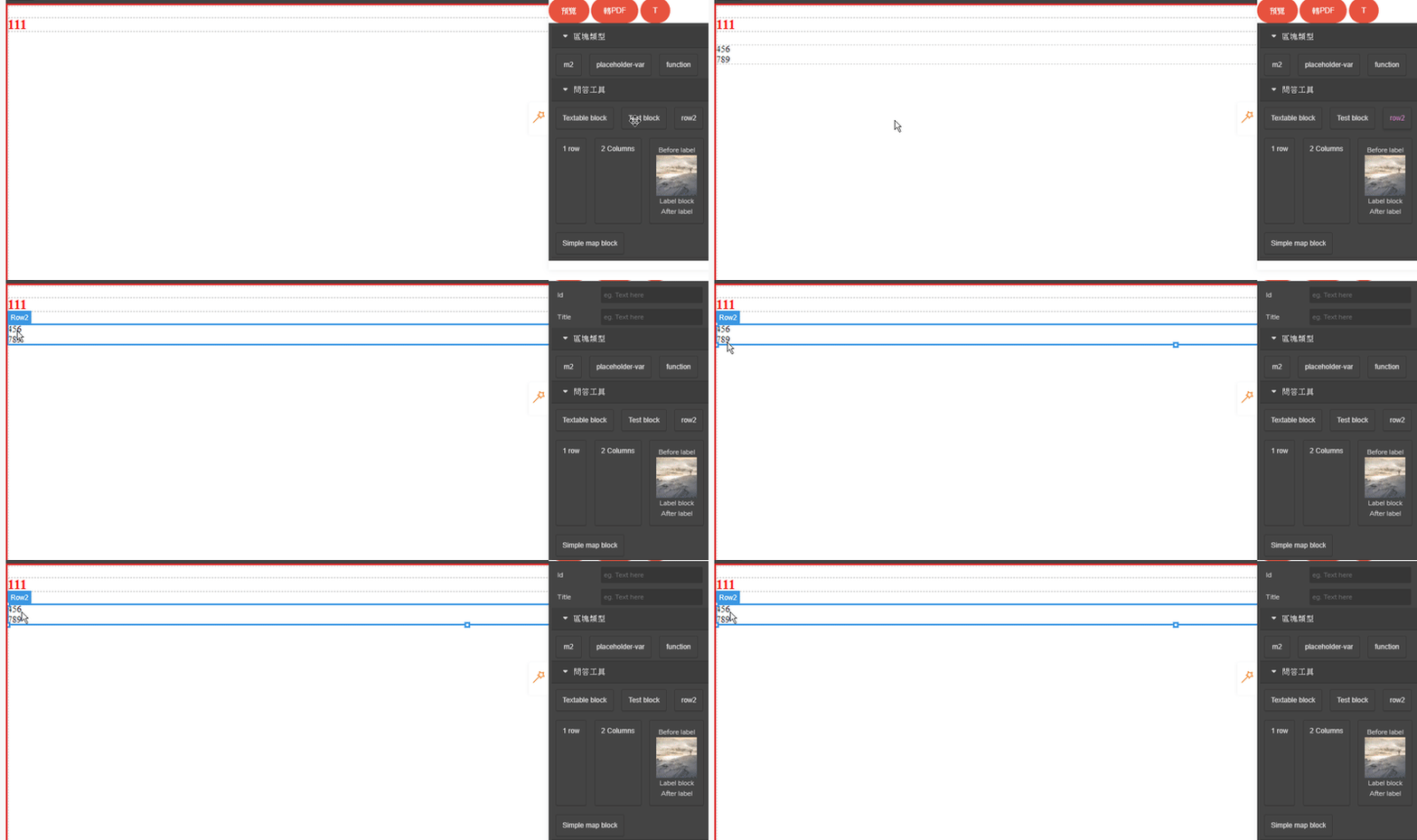
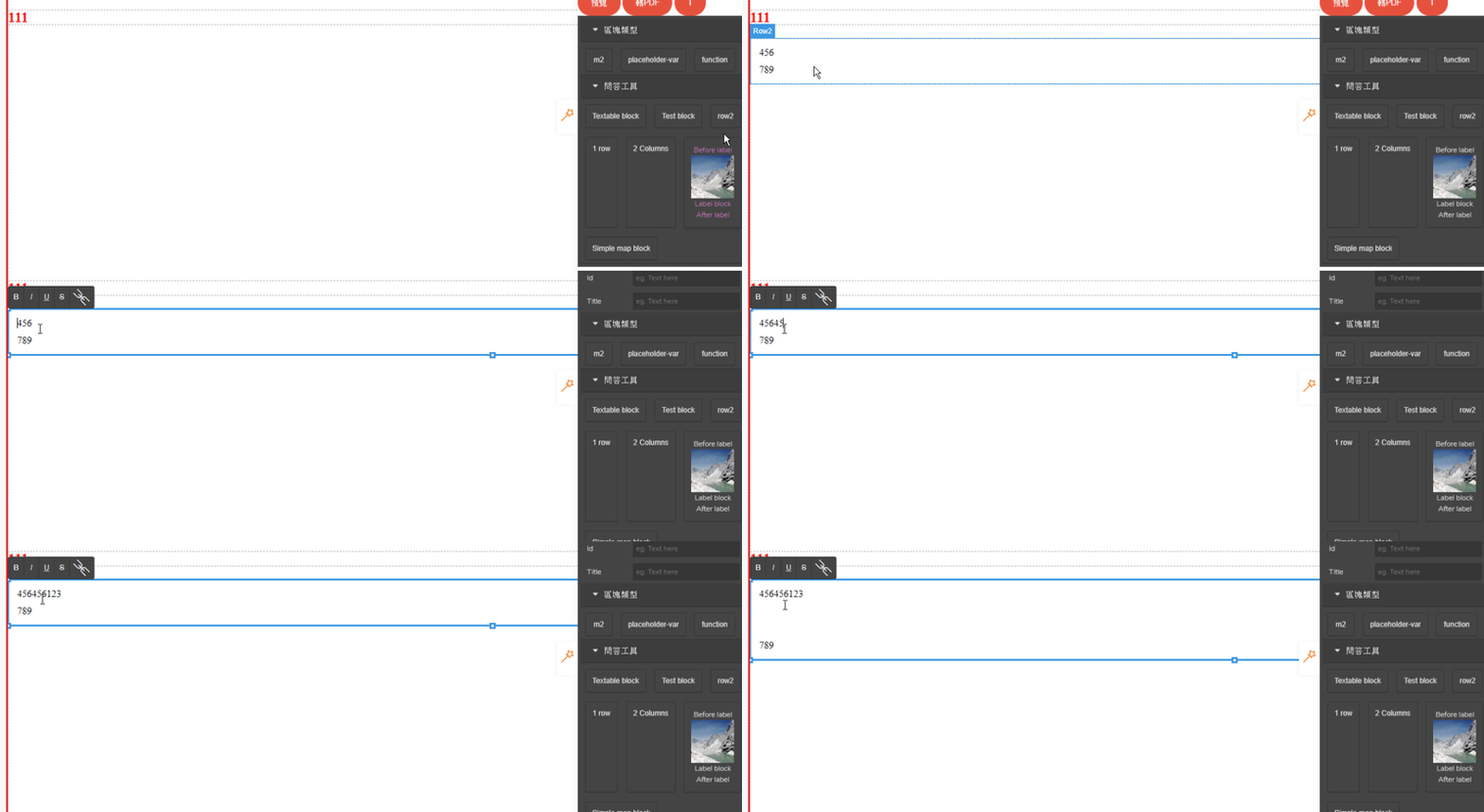
I find the problem is not dotted line ,the problem is innterHTML!!! the innterHtml let my component can't edit. I want use modal to show input let view change. restart render view the work is perfect. but I still can't edit. there is my code (leave out model,because there are work great) like the gif, I cant't edit 45...
Read full answer below ↓Question
hello, I want use blockManager to created component. I had run the dotted line, that's great and I can see this.
this.editor.runCommand('sw-visibility');
then , this is my component code
blockManager.add('row', {
label: 'choose',
content:`<div class="chs-row" data-gjs-droppable=".row-cell" >
<div class="chs-column" data-gjs-custom-name="choose">
<div class="chs-row-cell num" data-gjs-draggable=".row">1</div>
<div class="chs-row-cell chs" data-gjs-draggable=".row">
<div class="chsBlock">A○</div>
<div class="chsBlock">B○</div>
<div class="chsBlock">C○</div>
<div class="chsBlock">D○</div>
</div>
</div>
</div>
<style>...</style>`
});
that's run perfect like this image. I can edit text and see the dotted line in class .chs-row-cell
today ,I want add resizable in this component (only this component can resizable ) so, I change code like↓
blockManager.add('row', {
label: 'choose',
content:{
type: 'text',
content:`
<div class="chs-row" data-gjs-droppable=".row-cell" >
<div class="chs-column" data-gjs-custom-name="choose">
<div class="chs-row-cell num" data-gjs-draggable=".row">1</div>
<div class="chs-row-cell chs" data-gjs-draggable=".row">
<div class="chsBlock">A○</div>
<div class="chsBlock">B○</div>
<div class="chsBlock">C○</div>
<div class="chsBlock">D○</div>
</div>
</div>
</div>
<style>...</style>`,
resizable:{tc: 1,cl: 1,cr: 1,bc: 1,},
},
});
resizable is run great ,but component have some problem like Image, I try add type: 'text' so I can edit text but I can't see and can't use dotted line in class .chs-row-cell and .chsBlock
I want this component can do something.
- I can see the dotted line
- selected can resizable block
- text can edit
how can I do? Thanks!
Answers (3)
I find the problem is not dotted line ,the problem is innterHTML!!! the innterHtml let my component can't edit.
I want use modal to show input let view change. restart render view the work is perfect. but I still can't edit.
there is my code (leave out model,because there are work great)
blockManager.add('row2', {
label: "row2",
content: {
type:'row2',
val3,
},
});
const dc = editor.DomComponents;
const defType = dc.getType('default');
const val3 = `<div class="aa" data-gjs-droppable=".bb" data-gjs-custom-name="AA">
<div class="bb" data-gjs-draggable=".aa">456</div>
<div class="bb" data-gjs-draggable=".aa">789</div>
</div>`;
dc.addType('row2', {
model: defType.model.extend({
init() {
console.log('Local hook: model.init');
},
}),
view:defType.view.extend({
render() {
defType.view.prototype.render.apply(this, arguments);
this.el.innerHTML = this.model.get('val3'); //here!
return this;
},
})
})
like the gif, I cant't edit 456 and 789 in div
I had try type:'text' and editable: true,
blockManager.add('row2', {
content: {
type:'text',
},
});
or
dc.addType('row2', {
model: defType.model.extend({
defaults:{
editable: true,
attributes: {
type: 'text',
},
}
})
but there are not working. :(

If I don't use innterHTML, how can I get val3's value and show it? Thanks!!!!
hello, I'm find the answer for editable in #460
const textType = comps.getType('text');
now,the component can edit text.
but, still not show dotted line.

You have posted a lot of questions on the same issue and you should avoid it. Create a live demo with the issue. BTW, in your original post you've made a mistake
...
label: 'choose',
content:{
type: 'text',
// `content` in the component definition is a static string
content: `<div class="chs-row" data-gjs-droppable=".row-cell" >
// use components instead
components: `<div class="chs-row" data-gjs-droppable=".row-cell" >
Related Questions and Answers
Continue research with similar issue discussions.
Issue #2961
BUG: Components in custom modal isn't editable
Hello, I'm trying to add custom modal block to my project and I want to change content of this modal also with drag&drop. Here's code of my...
Issue #2825
How do I add my classes CSS file when using components?
I have this component: editor.BlockManager.add('rodape', { label: '3 Colunas', content: { tagName: 'div', draggable: true, attributes: { cl...
Issue #1831
[Question] How to run command for a block component?
I'd like to do something like this. so once a user drops the test component into the canvas, I'd like to open up asset manager modal where...
Issue #2127
[QUESTION] How to update content prop from trait event
Hello, I want to update the content property based on the changes from the trait I have this component added and notice I have a custom pro...
Paid Plugins That Match This Issue
Curated by issue keywords and label relevance to help you ship faster.
Loading paid plugin recommendations...
Check the open-source GrapesJS plugins on GitHub or run a quick search in our free catalog.
Browse free plugins →Premium plugins ship with support, regular updates, and production-ready features — save days of integration work.
Browse premium plugins →Browse Plugin Categories
Jump directly to plugin category pages on the marketplace.