在绝对拖拽模式下替换组件的问题
问题
我遇到了一个问题,要替换一个元件在相同位置(上/左),新元件总是被添加到顶部:0px / 左:0px;
我正在考虑类似这样的内容:
“''js const selectedComponent = editor.getSelected(); const coll = selectedComponent.collection; const at = coll.indexOf(selectedComponent);
var styles = selectedComponent.getStyle() ||{};
coll.remove(selectedComponent);
let newComponent = coll.add(component, { fromAddNewComponent: true, at: at, });
newComponent .setStyle(styles);
但这次 setStyle() 不起作用......
回答(1)
代码大致上看起来还行,务必检查“styles”包含位置属性(组件也有绝对位置)。如果还没用,请尝试制作一个可复现的演示
相关问答
通过相似的问题讨论继续研究。
问题 #4233
Insert styles from StyleManager with !important broken
GrapesJS版本 [X] 我确认使用最新版本GrapesJS 你用的是什么浏览器? 铬 可复制演示链接 https://jsfiddle.net/q7cxvpf5/1/ 描述一下那个虫子 当我使用这段代码时,它在一次div更改后就停止工作,之后也不再接受对其他div进行样式...
问题 #5211
Bug
GrapesJS 版本 [X] 我确认使用最新版本 GrapesJS 你用的是什么浏览器? v9.2 可复制演示链接 https://jsfiddle.net/szLp8h4n 描述一下那个虫子 我在 Vue3 项目中使用它 当我想添加新组件时,页面会挂机且没有响应 这是我的代...
问题 #1534
更新属性 从模型样式输入值。
@artf我想更新元素的高度,并希望通过以下代码提供自定义高度 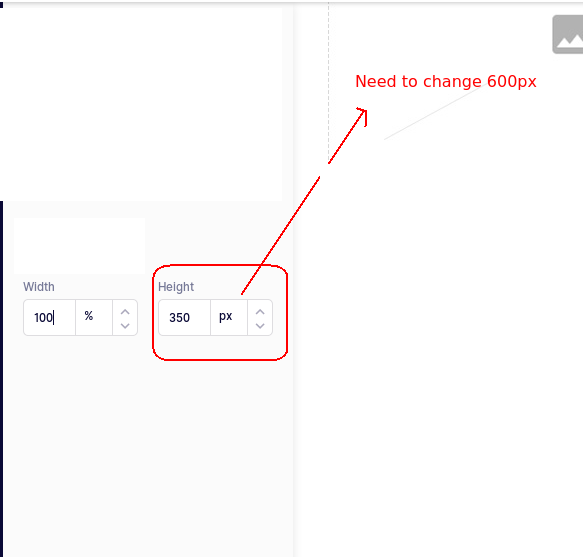...
问题 #2308
创建图片链接后图片没有调整大小
'''let selectedComponent = editor.getSelected(); 令 href = this.getHref(); 令title = this.title; let childHtml ='<a id=“${selectedComponent.c...
与此问题匹配的付费插件
根据问题关键词和标签相关性精选,助你更快交付。
正在加载付费插件推荐……
浏览插件分类
直接跳转到市场上的插件分类页面。