Toolbar error position when adding elements
If you encounter an error, open the issue as a bug, please. So follow the template for the bug.
Read full answer below ↓Question
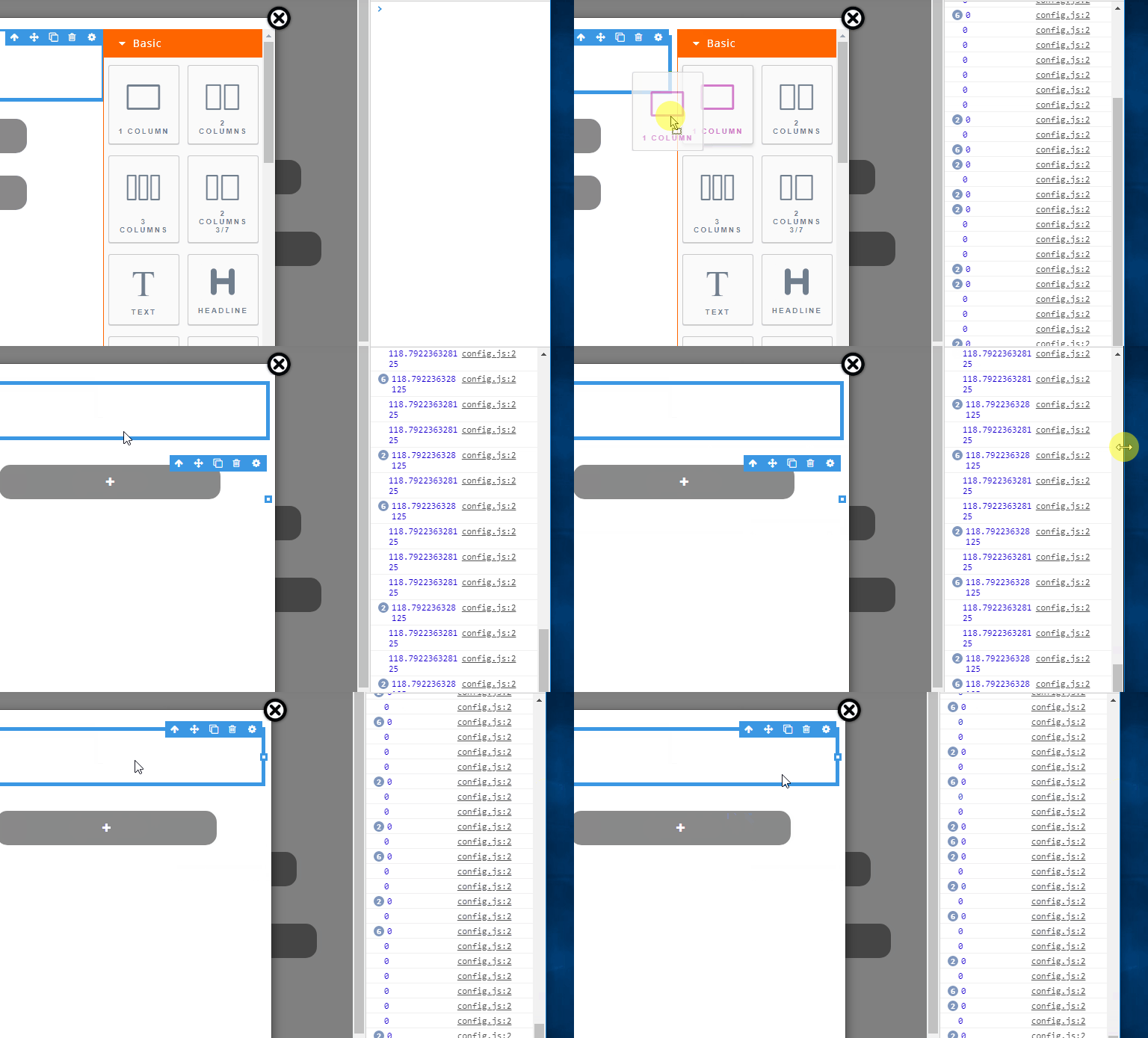
I made canvas in modal, but there were a few bugs, when I added a new component, the position of the toolbar went down, the top canvas value that was initially 0 changed (console.log (r.canvasTop) in grapesjs.min.js), but when I resized the browser, everything was normal again (the bug only happens every time the page loads), how can I fix it, Thank you very much.

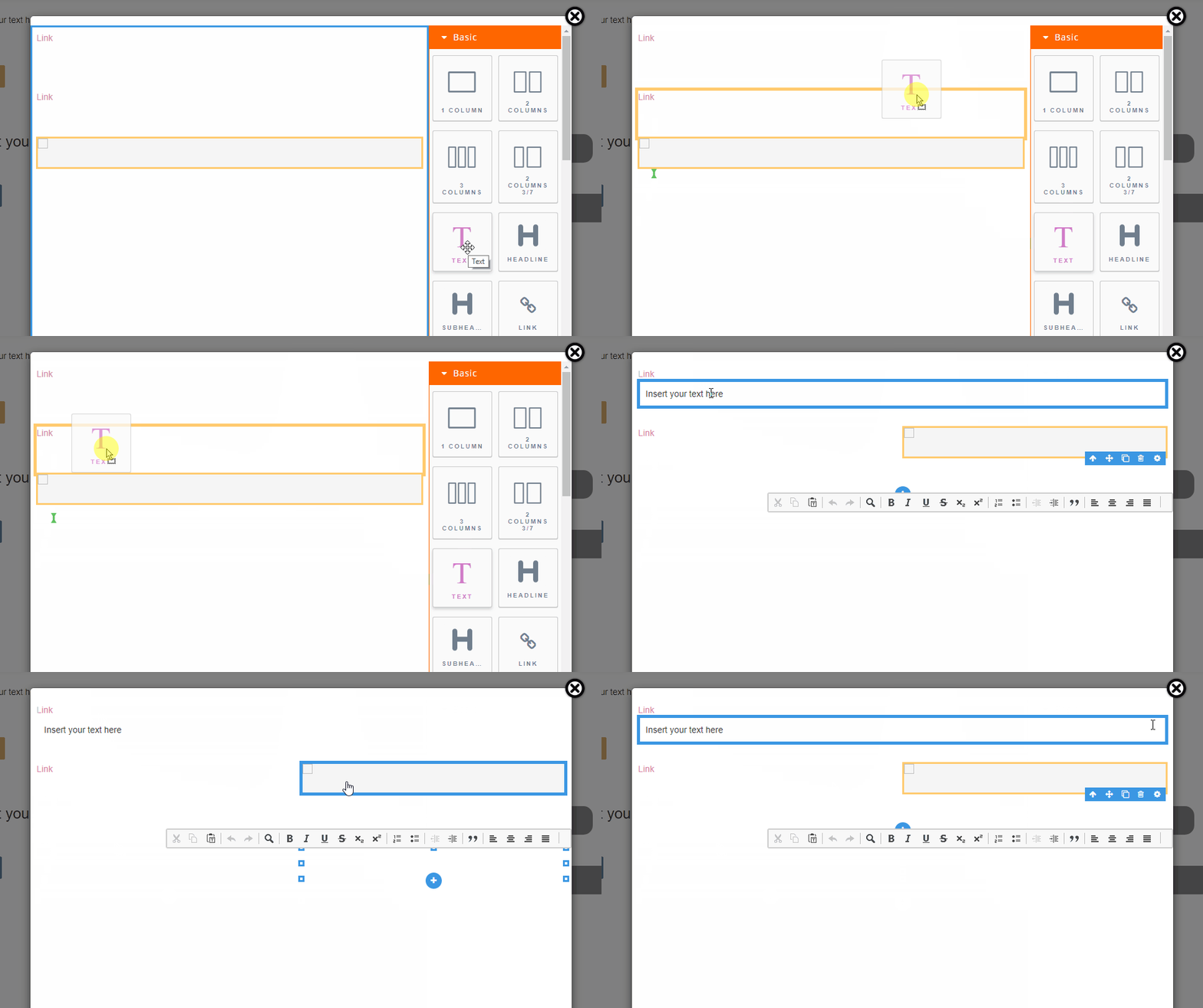
when dropping the component, the position of the component (indicated by the green line) is not appropriate.

Answers (1)
If you encounter an error, open the issue as a bug, please. So follow the template for the bug.
Related Questions and Answers
Continue research with similar issue discussions.
Issue #1815
[Bug]: component:mount is fired multiple times
I had been using editor events and I noticed that component:mount event fires multiple times when a component is dragged from blocks to can...
Issue #1681
adding new custom trait to Video Component
In video Component i need to add new custom traits beside the existing ones, when i do this all traits are disappeared
Issue #1654
In React if we define as component, grapesjs component is not taking that component? Is there a way to achive this ?
WARNING READ and FOLLOW next 5 steps, then REMOVE them before posting the issueFollow CONTRIBUTING Guidelines https://github.com/artf/grape...
Issue #1609
Grapesjs, How to extract html/css code in view code into console log?
WARNING READ and FOLLOW next 5 steps, then REMOVE them before posting the issueFollow CONTRIBUTING Guidelines https://github.com/artf/grape...
Paid Plugins That Match This Issue
Curated by issue keywords and label relevance to help you ship faster.
Loading paid plugin recommendations...
Check the open-source GrapesJS plugins on GitHub or run a quick search in our free catalog.
Browse free plugins →Premium plugins ship with support, regular updates, and production-ready features — save days of integration work.
Browse premium plugins →Browse Plugin Categories
Jump directly to plugin category pages on the marketplace.