当颜色选择器不是全屏时,会跳出编辑器界面
问题
你好,我成功地将 div id=“gjs” 封存到另一个 div 容器中,带有左侧菜单和顶部菜单。它运行得很好,但存在一个问题。当我点击颜色选择器更改背景色时,它确实会显示在屏幕外。我该怎么解决? 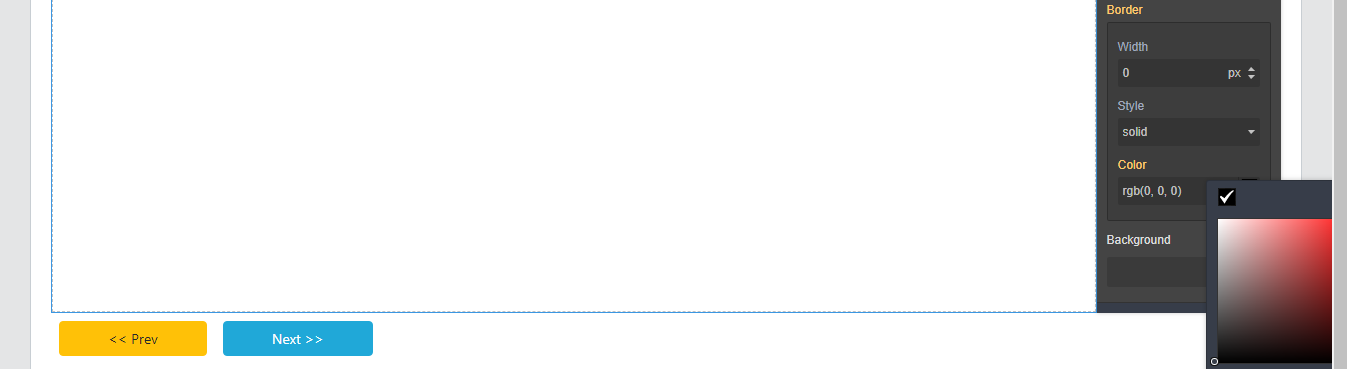 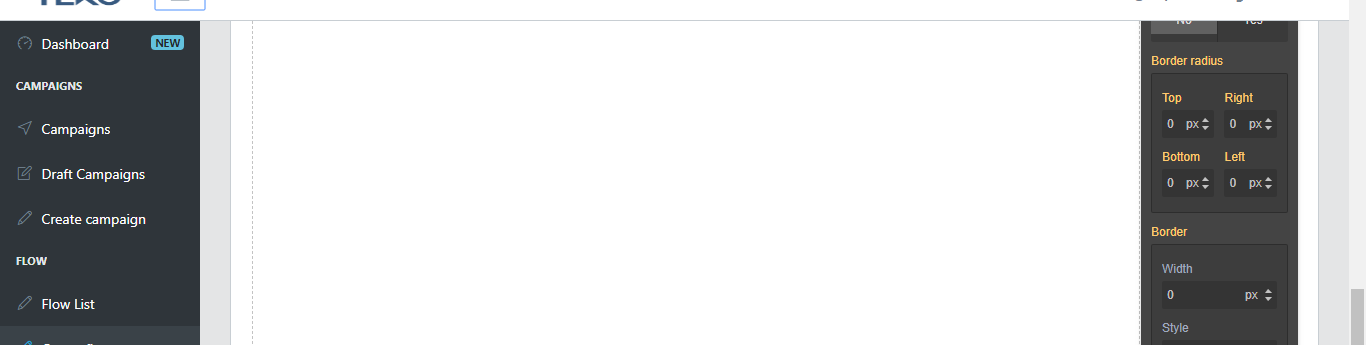
回答(3)
例如,我已经定义了颜色选择器定义的具体位置
Grapesjs.init({
                ...
                colorPicker: {
                    附录:'父',
                    偏移:{ 顶部:26,左:-166, },
                },
                ...
});
@alfaalex81谢谢你的帮助。我通过让父节点位置为静态,使颜色选择器位置(绝对)与根(视口)对齐来解决了这个问题。
由于关闭后没有近期活动,该帖子已被自动锁定。请为相关漏洞开启新一期。
相关问答
通过相似的问题讨论继续研究。
问题 #1539
如何以及在哪里定义形态在 grapesjs
大家好, 我如何从Grapesjs的表单中获取数据? 我已经在Canvas上放置了一份表格,你可以在下面看到 ![4444444](https://user-images.githubusercontent.com/32187513/47430117-115b0e80-d7b6...
问题 #1514
如何在 blockManager 上添加视频块
大家好。 我想在 BlockManager 上添加一个视频块,就像下面快照提到的那样 ![啊啊啊](https://user-images.githubusercontent.com/32187513/46931328-52417d80-d068-11e8-81d6-66a11...
问题 #519
默认情况下没有任何阻挡
使用这段代码 我用编辑器,但没有任何区块。我也没能理解屏幕尺寸的图标,但其他图标是有的。正如你所见,CSS 正在加载,因为整体布局是正确的。 ![图片](https://user-images.githubusercontent.com/438493/32779136-9e79...
问题 #1645
将面板向左移动
大家好grapesjs团队, 我正在尝试把 BlockManager、StyleManager、TraitManager 等迁移到左边。 我试过用appendTo但不知道为什么默认面板还显示。 ![grapesjs](https://user-images.githubuser...
与此问题匹配的付费插件
根据问题关键词和标签相关性精选,助你更快交付。
正在加载付费插件推荐……
相关教程
关于同一主题的深入指南。
浏览插件分类
直接跳转到市场上的插件分类页面。